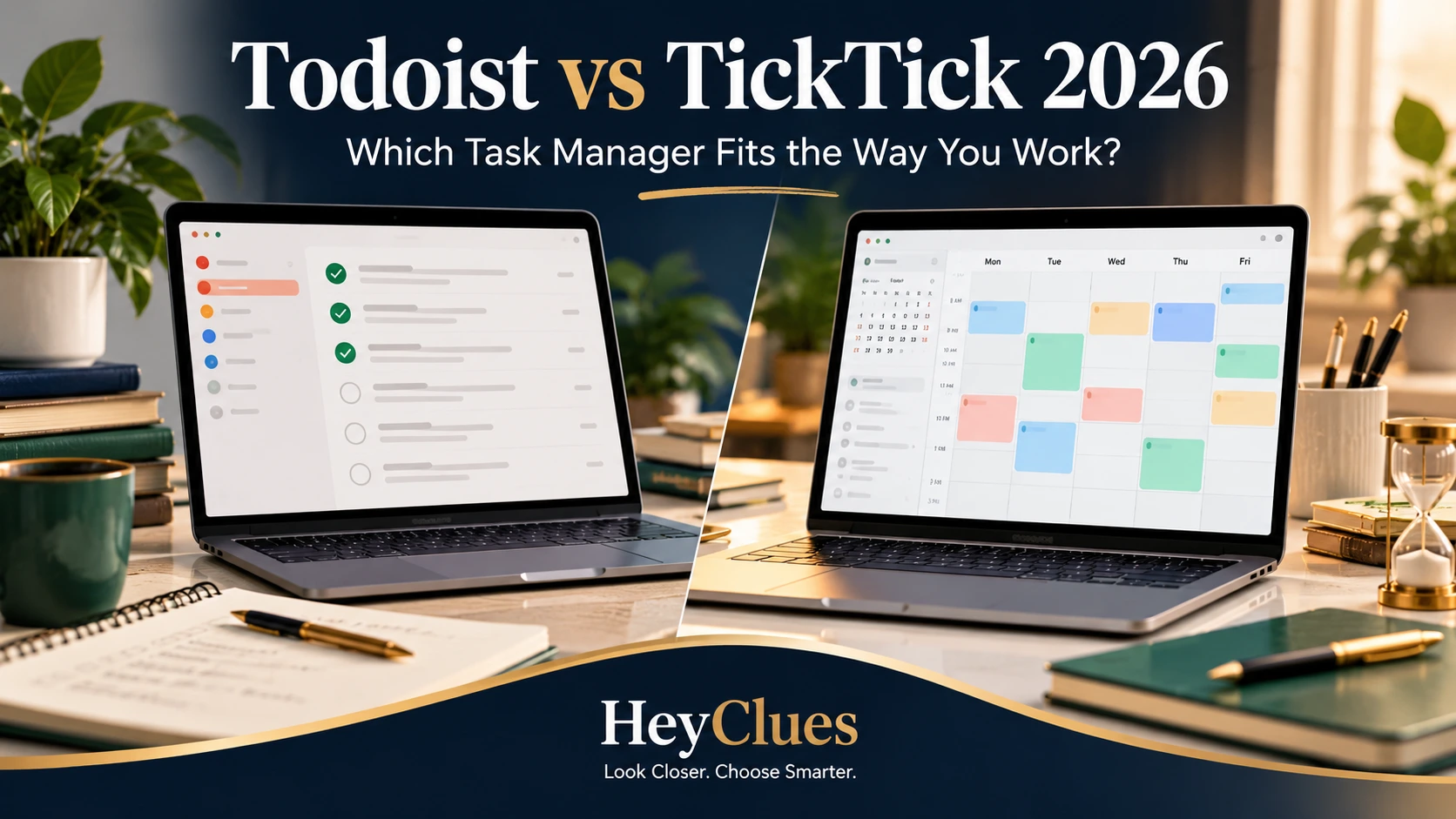
Todoist vs TickTick is a close comparison on the basics: both apps handle tasks, subtasks, priorities, recurring work, reminders and organisation across devices.
The more important difference appears when your to-do list becomes part of how you plan your day.
Todoist keeps much of its product centred on tasks, projects, labels, filters and integrations. TickTick combines task management with a broader planning system that includes a more extensive calendar, habit tracking and Focus/Pomodoro tools.
The key question is:
Do you want your task manager to stay centred on tasks, or do you want it to absorb more of your calendar and productivity routine?
HeyClues research note: This comparison uses current official product documentation and pricing. HeyClues has not yet completed a controlled hands-on comparison, so we do not make hands-on usability or performance claims.
Quick Decision
Choose Todoist if:
- You want a task-focused system built around projects, labels, filters and integrations.
- You expect to rely on a broader integration ecosystem.
- You may later need a more formal team workspace.
- You prefer to keep habits and focus tools separate from your task manager.
Choose TickTick if:
- Calendar planning is central to how you organise your day.
- You want habits and Focus/Pomodoro inside the same app.
- You prefer a broader all-in-one productivity setup.
- You want more list capacity on the free plan.
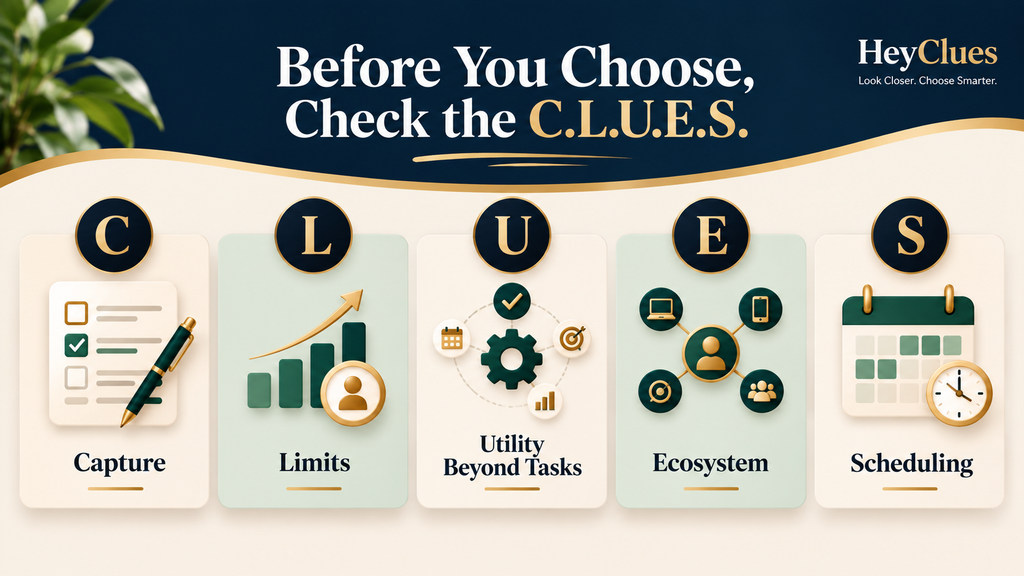
Check the C.L.U.E.S. Before Choosing
C — Capture
How easily can you turn a thought into a properly organised task, including dates, priorities and recurring schedules?
L — Limits
Which free-plan restriction are you most likely to hit first?
U — Utility Beyond Tasks
Will built-in habits, focus tools and other extras actually replace apps you already use?
E — Ecosystem
Does the task manager work with the devices, calendars, integrations and collaboration tools you depend on?
S — Scheduling
How well does it handle recurrence, reminders, calendar planning, task duration and time blocking?
Free vs Paid: What Do You Actually Gain?
Todoist: Beginner vs Pro
Todoist Beginner already covers the core task system. You get 5 active personal projects, 3 filters, recurring tasks, priorities, labels, subtasks, list and board views, automatic reminders, calendar integration and one week of activity history.
Todoist Pro mainly increases capacity and planning depth. It raises the limits to 300 personal projects and 150 filters, and adds the visual calendar layout, task duration and time blocking, custom reminders, full activity history and automatic backups.
TickTick: Free vs Premium
TickTick Free gives you 9 lists, up to 99 tasks or notes per list, 2 reminders per task, 5 habits and a basic calendar view.
TickTick Premium raises the limits to 299 lists and 999 tasks per list, increases reminder and habit allowances, and unlocks custom filters, task duration and the fuller multi-view calendar system.
Pricing: Standard Price vs Promotion
In the US, Todoist Pro costs US$7 per month or US$60 per year, equivalent to US$5 per month when billed annually.
TickTick Premium is US$49.99 per year, with a limited-time US$35.99 offer at the time of checking. Do not assume the promotional price will apply at renewal.
At regular annual prices, TickTick Premium costs US$10.01 less per year than Todoist Pro.
Prices can vary by country, currency, tax and app-store billing, so check the final local price before subscribing.
Core Task Management
Both apps cover the essentials: tasks and subtasks, priorities, recurring work, reminders, search and sharing. Todoist organises work around projects, sections, labels and filters, while TickTick uses lists, tags and multiple planning views.
Capture and Recurring Tasks
Both Todoist and TickTick support natural-language task entry for dates and recurring schedules. Todoist also offers Ramble for spoken task capture, while TickTick has its own quick-entry and natural-language tools.
Both support custom recurrence and completion-based scheduling. If you rely on an unusual recurrence rule, test that exact pattern before committing.
Calendar and Time Blocking
Todoist lets users on all plans connect Google or Outlook Calendar. External events can appear alongside tasks, and eligible scheduled Todoist tasks can sync to the connected calendar. External events remain read-only inside Todoist, while visual calendar layout, task duration and time blocking require Pro or Business.
TickTick includes a basic calendar on Free. Premium adds multiple calendar views, task duration and deeper external-calendar functionality, including supported syncing between Google Calendar events and tasks.
Todoist is better suited to using a calendar alongside tasks, while TickTick places calendar planning more directly inside the task system.
Habits and Focus
TickTick includes a built-in Habit Tracker and Focus/Pomodoro system. Free users can track up to 5 habits, while Premium increases that limit and adds more advanced focus and statistics features.
Todoist does not have equivalent built-in habit and focus modules. You can approximate parts of those workflows with recurring tasks, integrations or separate apps.
Collaboration
Both apps support shared work, assignments and comments, but they scale differently.
Todoist allows shared personal projects on Beginner and Pro, with up to 5 people per personal project. Its Business plan adds a more formal team structure with shared workspace features, roles, permissions and centralised billing.
TickTick uses shared lists. Free users can share with one other person, while Premium supports larger shared groups.
For couples, households and informal sharing, either can work. For managed teams, Todoist adds a dedicated Business workspace.
Integrations and Devices
Both apps support Windows, macOS, Linux, iOS and Android.
Todoist has a broader published integration and automation ecosystem. TickTick also supports external services and calendar connections, but includes more productivity functions inside the app. Check the specific integrations you use rather than comparing raw counts.
Who Should Choose Neither?
Look beyond Todoist and TickTick if you need:
- Databases, documents and a broader workspace alongside tasks.
- Advanced project management such as resource planning, complex dependencies or portfolio reporting.
- Local-first or self-hosted task management as a core requirement.
If you need a broader workspace rather than a dedicated task manager, see our Best Notion Alternatives 2026 guide.
Final Verdict
Todoist is the more task-focused option, while TickTick brings more calendar, habit and focus tools into the same app. The better fit depends on whether you want your task manager to connect outward or handle more of your daily planning itself.